Tutorial 03 · Beginner
Turn a Messy Excel Export into a Decision-Ready Weekly Report
Clean a fictional office export without changing the original, validate the important numbers, and turn it into a weekly report your manager can act on.
You will build
An untouched original plus a cleaned workbook with Raw, Clean, Summary, and Data Quality sections, three KPIs, one chart, and a short decision brief
You will strengthen
Protecting source data, checking assumptions, validating AI-created analysis, and separating facts from recommendations
Learning map
Tools and capabilities
Tools
Capabilities
Before you begin
What you need
- A ChatGPT account with file analysis available
- Codex in the ChatGPT desktop app
- Excel or another app that can open .xlsx files
See the system
A visual guide before you begin
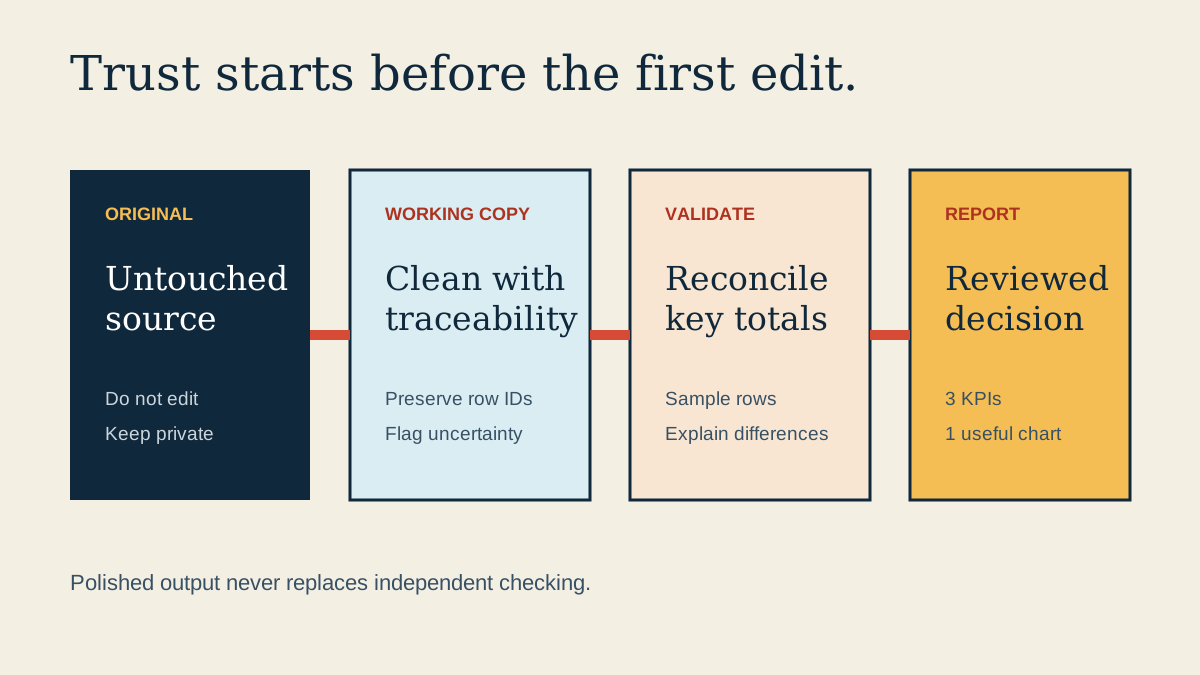
Swipe or scroll to read the full diagram.
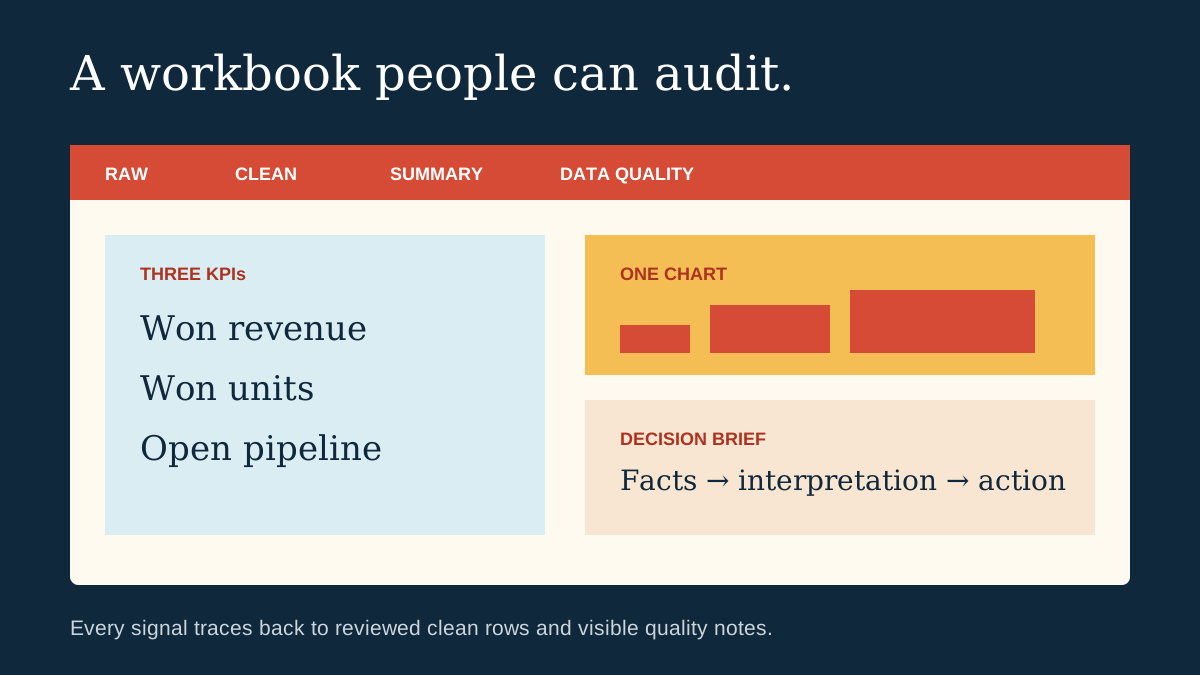
Swipe or scroll to read the full diagram.
Practice assets
Download what you need
Step-one preview
Protect the source and frame the question
Objective
Create a safe working copy and define the one decision this report should support.
Visible result
You have an untouched original, a clearly named working copy, and one decision question.
Completion check
I can identify the untouched original, the working copy, and the decision question.