Tutorial 04 · Beginner
Create a Trustworthy Weekly Recap
Turn a week of news, useful information, and product updates into a concise, source-backed recap that reflects your judgment.
You will build
A reviewed one-page weekly recap with News, Useful information, and Product updates sections, direct source links, and a reusable source log
You will strengthen
Selecting relevant information, checking sources and dates, separating fact from interpretation, and editing AI-created work in your own voice
Learning map
Tools and capabilities
Tools
Capabilities
Before you begin
What you need
- A ChatGPT account with web search available in your workspace
- A browser and a notes or document app
- A few public links or privacy-safe notes from the week
See the system
A visual guide before you begin
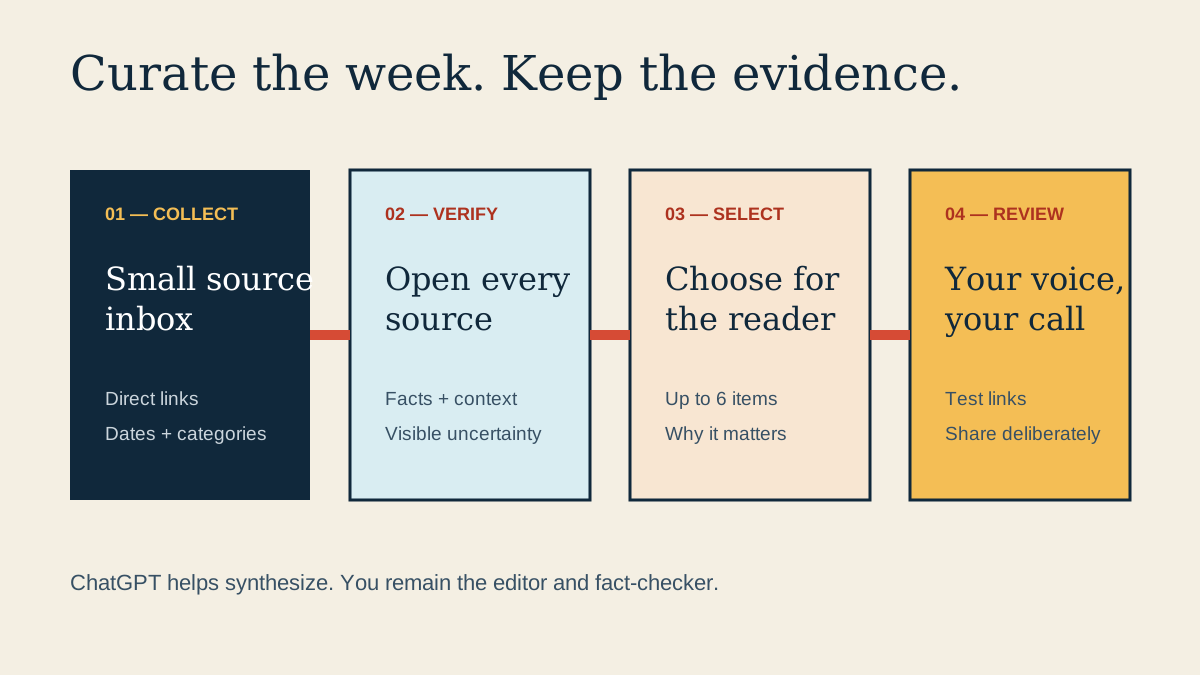
Swipe or scroll to read the full diagram.
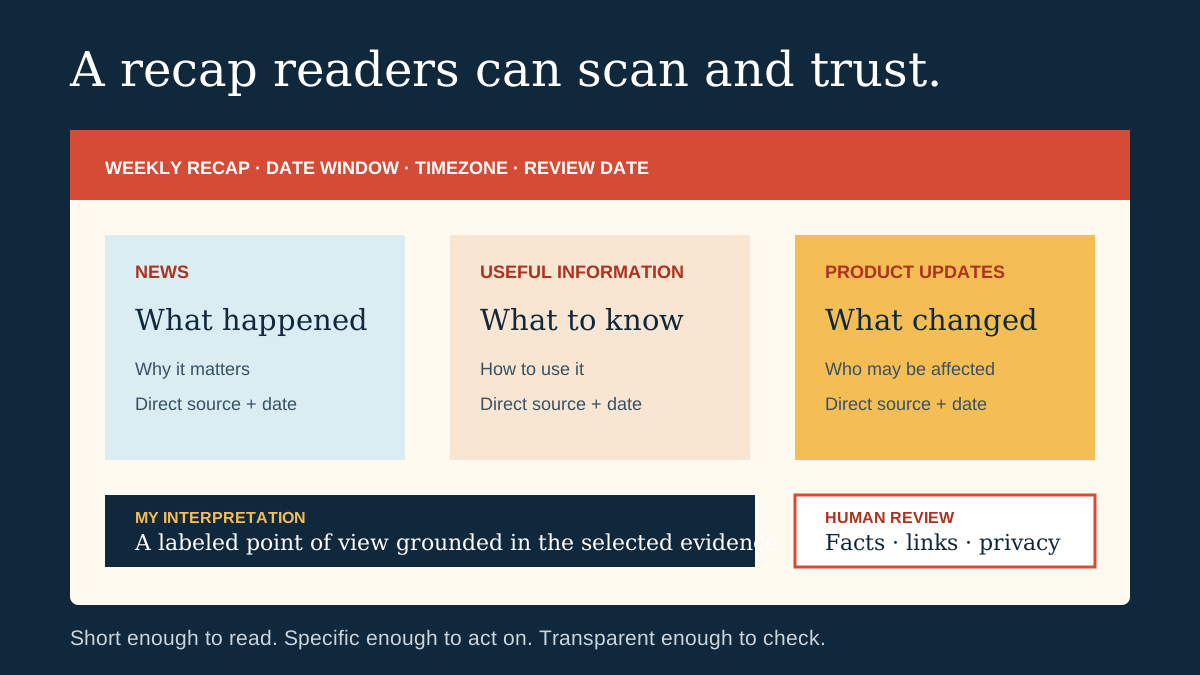
Swipe or scroll to read the full diagram.
Practice assets
Download what you need
Step-one preview
Define the reader and the week
Objective
Set a clear audience, date window, and editorial promise before collecting more information.
Try it now · In the weekly recap template
- Download the weekly recap source and draft template.
- Name one specific reader, such as your team, customers, community, or professional network.
- Write the start date, end date, and timezone covered by this recap.
- Keep the three sections News, Useful information, and Product updates, then set a maximum of two items in each.
- Write one sentence describing what the reader should understand or do after reading.
Visible result
The template names one reader, one precise week, three sections, and a useful promise.
Completion check
I named the reader, date window, section limits, and purpose of this recap.
If you get stuck
Choose the reader who most needs the update, then remove topics that do not help that person.
I’m stuck on this step